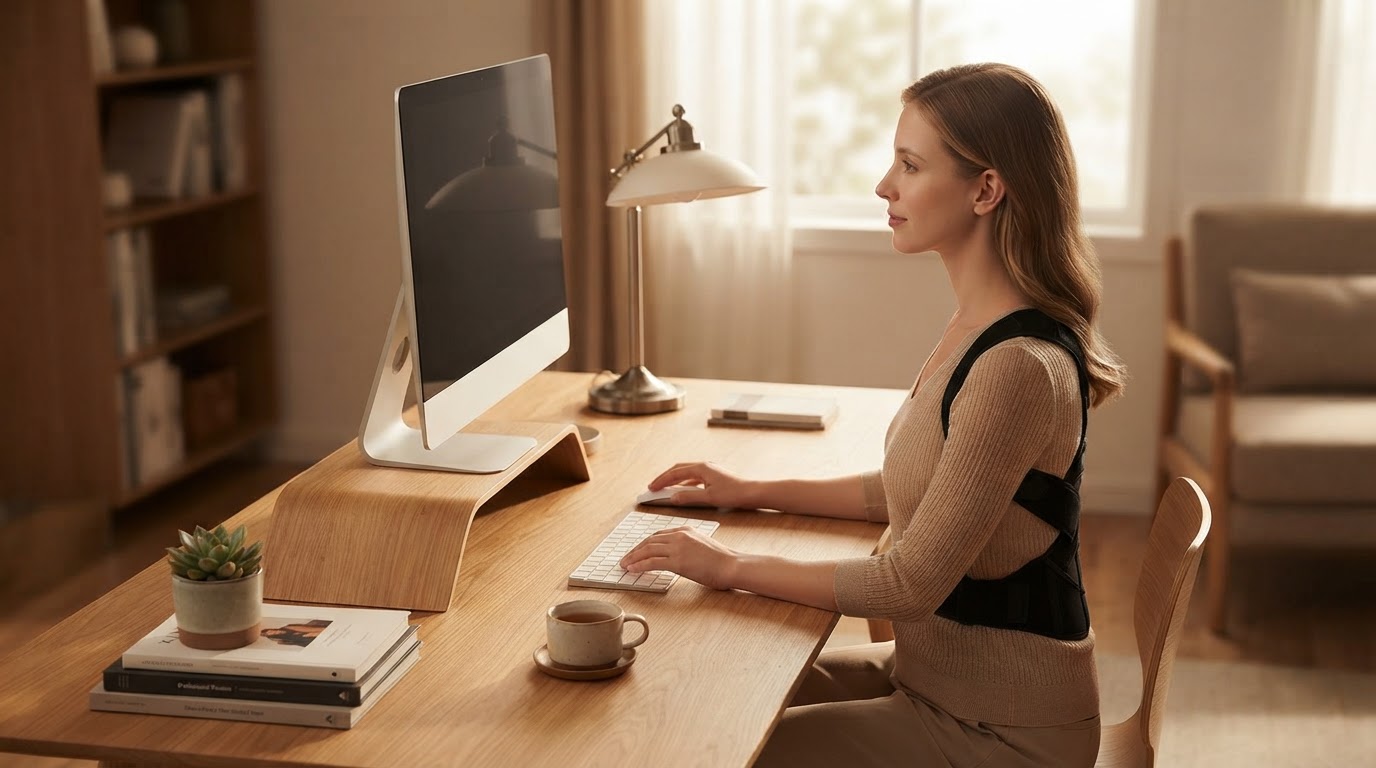
How to Fix Upper Back Slouching at Work: A Step-by-Step Desk Routine
Desk work is the single largest contributor to slouched upper back posture. Follow this step-by-step action plan to maintain healthy posture while working at your computer.
Step 1: Adjust Your Monitor and Chair Height
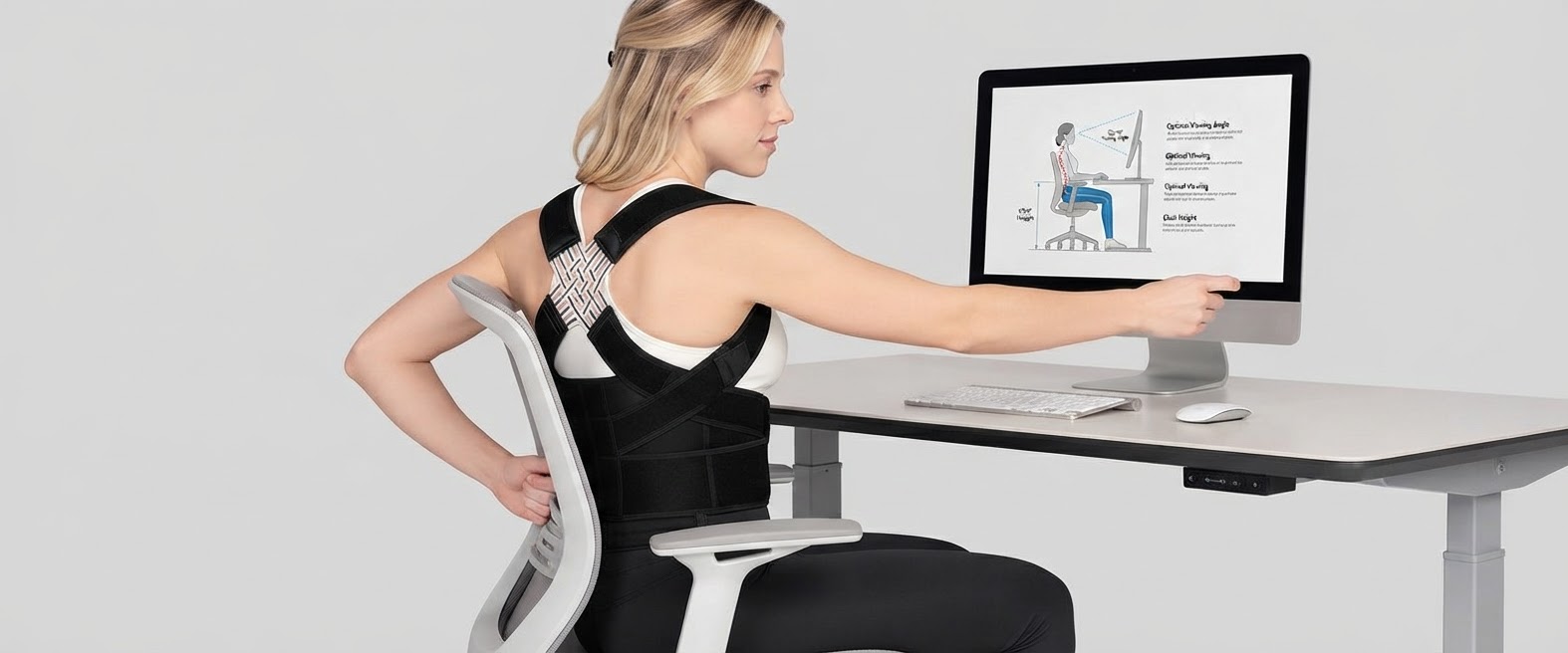
Position your computer screen directly in front of you so the top third of the monitor sits at eye level. Adjust your chair height so your feet rest flat on the floor and your knees align at a 90-degree angle. This prevents forward slouching initiated by eye strain or poor pelvic positioning.
Step 2: Perform Hourly Micro-Breaks

Set a recurring timer for every 50 minutes. When it alerts you, stand up immediately, squeeze your shoulder blades back together for 10 seconds, and look up at the ceiling to neutralize forward head posture.
Step 3: Put On Your Straight Back Brace
Wear your Straight Back Brace for 1-2 hours daily during your peak desk focus hours. The device acts as a gentle physical reminder whenever your shoulders begin rolling forward over your keyboard.
Step 4: Practice Seated Scapular Retractions
While seated, pull your shoulder blades together as if holding a pencil between them. Hold the contraction for 5 seconds, release, and repeat 10 times to keep upper back postural stabilizers active.
Step 5: Maintain Hydration and Movement Routines
Keep water at your desk to force regular walking breaks. For a comprehensive look at combining desk ergonomics with posture exercises, review the main guide.
Following these steps consistently will protect your spine from desk-induced slouching and reduce muscular pain.
Read the full guide: How to Fix Slouching Upper Back: The Ultimate Realignment Guide